AOMEI Partition Assistant將作業系統轉移到SSD
https://www.wwetw.com/thread-278-1-1.html
今日在Windows 10的磁碟管理下
不小心按到刪除磁區
並非格式化而是按刪除磁區
剛好沒上個月也把備份給刪掉
想說之後重新備份就忘了,所以目前沒備份。
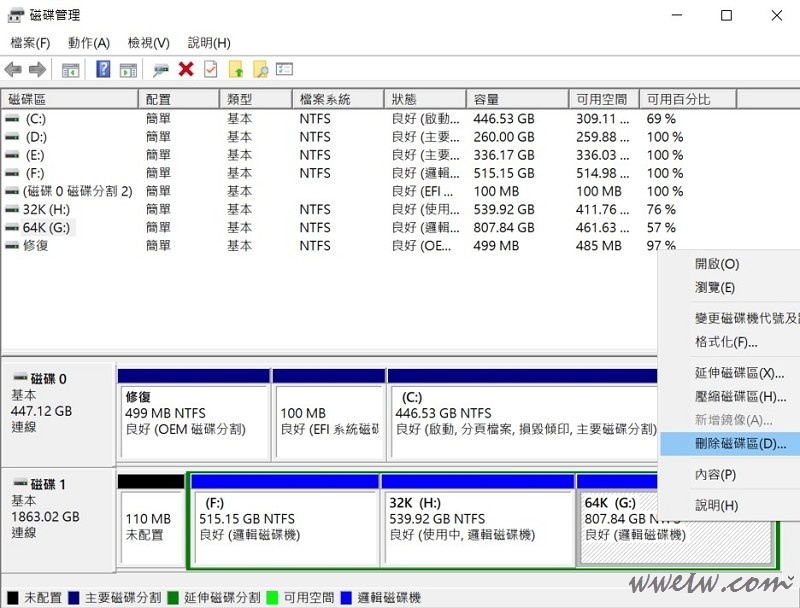
刪除後磁碟管理顯示[未配置]
想到有軟體功能可以復原
結果點下去要付費
找了其他軟體都要掃描才能復原的樣子
使用過MiniTool Recovery、EaseUS
也就是掃描後還原一個一個檔案
點了一下預估3小時......
太麻煩了
只好心一痛買了AOMEI
使用上有中文可以看
點選說明是英文的
This feature could only support recovering lost partitions from the select disk. If the partition has files, after the partition been recovered, the files will also come back automatically. If you want to recover files from formatted, corrupted partition, please use data recovery software.
The recovered partitions may have no drive letter. If so, you could not see the partitions in "My Computer". In this situation, please reboot computer and then launch AOMEI Partition Assistant manually assign a drive letter to the partition by right clicking the partition -> Advanced -> select Change Drive Letter.
大致上是說此功能只適用復原移除的分割區,
如果要復原格式化、損壞分區,請用復原軟體,
然後說復原的詞曲可能沒有磁區代碼,
要自己去設定。
開始用拉~
選擇[分割區富於精靈]
選好硬碟與要復原的分割區
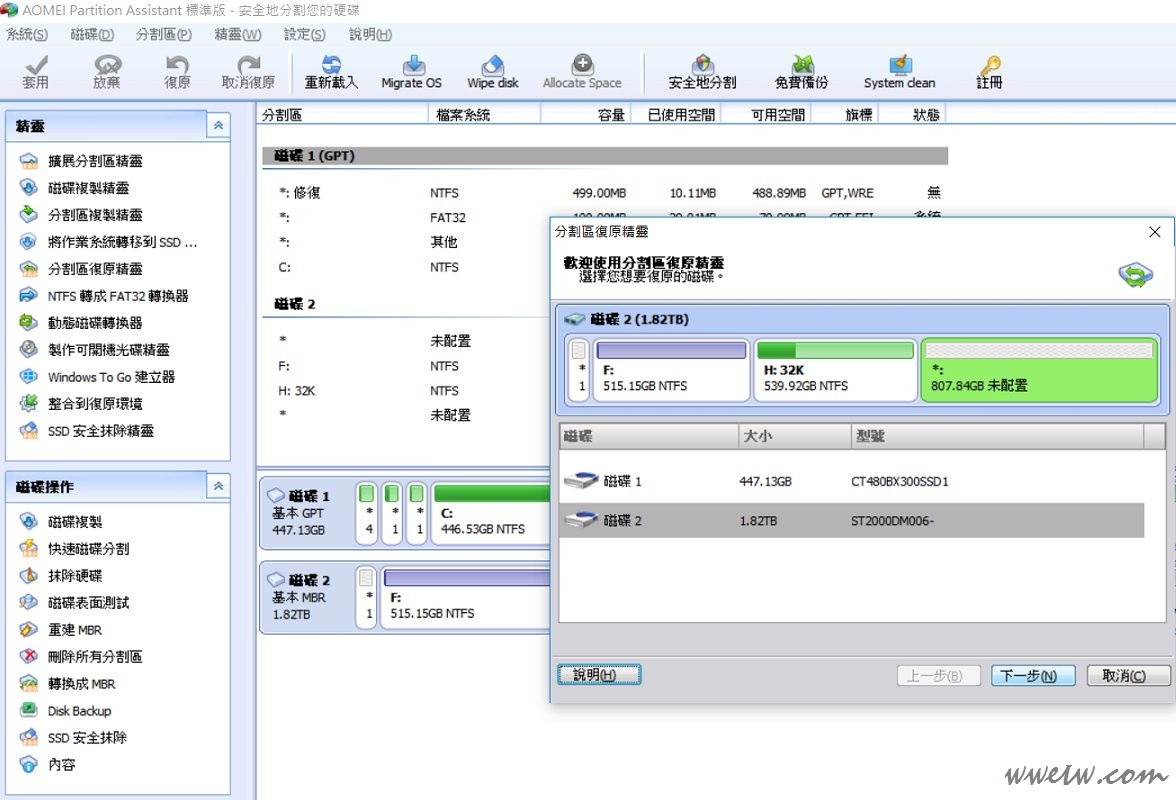
選擇快速或完整搜尋
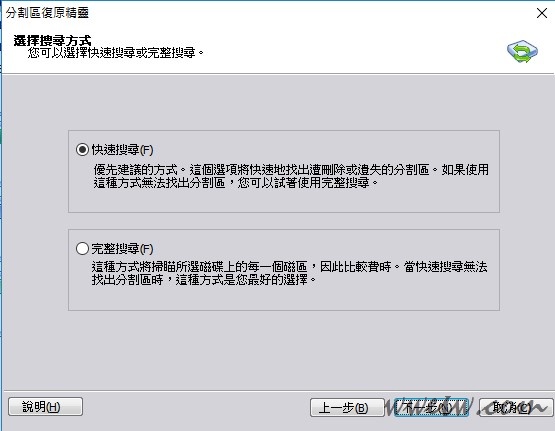
直接選快速搜尋
之後1秒內復原
磁區回來啦
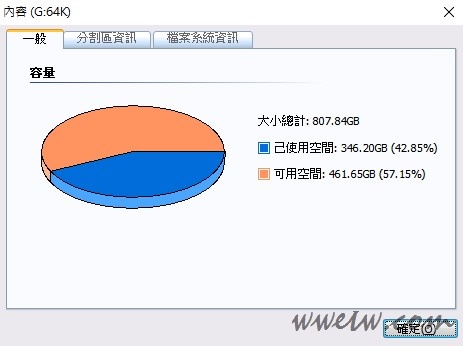
當然開啟幾個檔案測試看看正常拉
畢竟沒有格式化只是紀錄是沒有詞曲了
區區一個動作噴1500 |


 發表於 2018-11-13 21:20:14